

Contracting has come a long way since invoices were ‘generated’ from numbers and notes scribbled on a fag packet, but there is still little in the way of specialist software to take the essential details from the cab to the accounts department. So, how is a young contracting business in Leicestershire managing the bookwork.
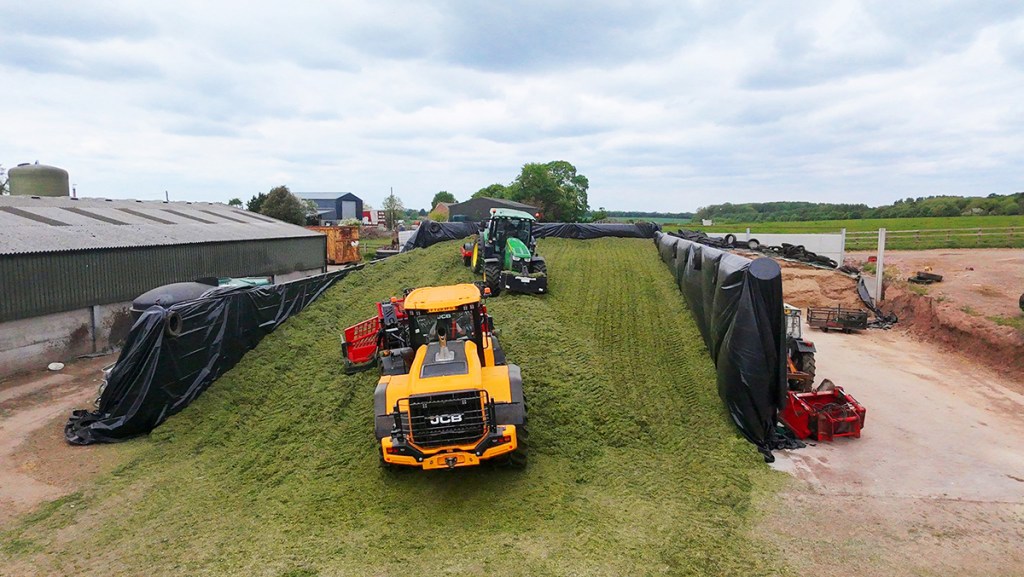
ABH Agri specialises in forage and slurry contracting, and having established the business as partnership in 2015, Sean Birkle became a sole trader in 2020.
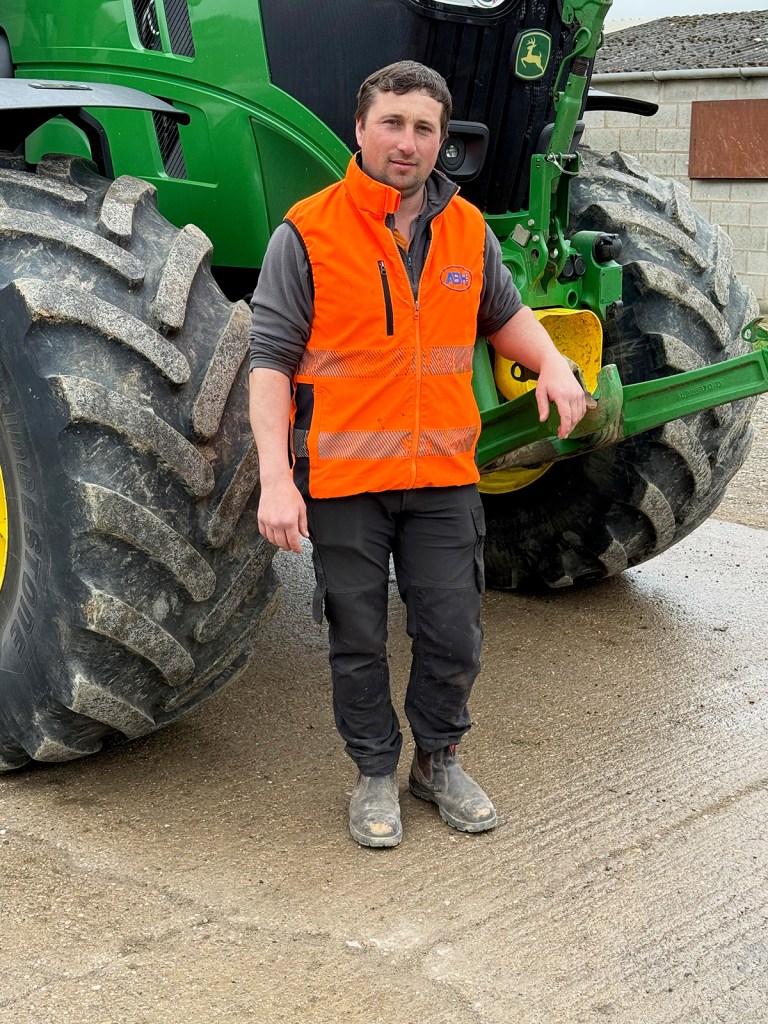
“I’d initially relied on phone notes for job planning and recording, but as the team expanded to four tractors and operators I began to look for software that could improve and streamline the process,” he explains. “My objectives were to have all operations recorded, and importantly to be able to access information from my phone so I could respond to customer queries immediately without having to return to the office.”
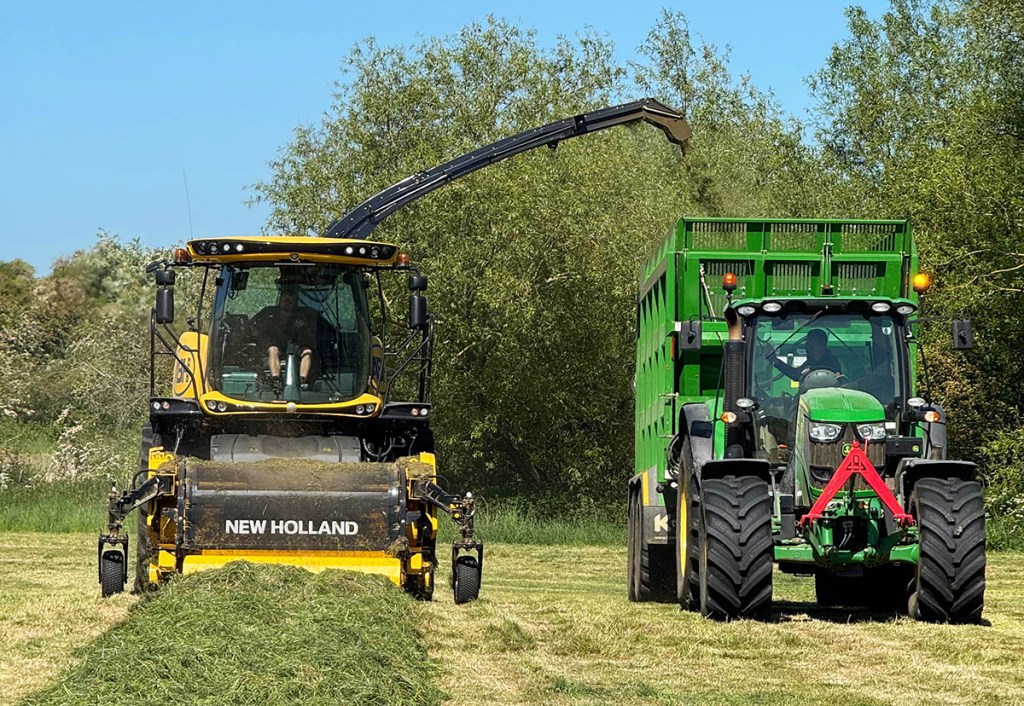
The solution came in the form of Ag-Drive, a specialist contractor software developed by Will Dunn, whose family run a contracting enterprise in Yorkshire.
“Will was just starting the Ag-Drive business and I think it really helped that he had a contracting background but had also focused separately on developing software. He knew what we would need,” says Sean, adding that customer feedback has been taken on board as Ag-Drive has developed and the software is now a vital part of his business management.
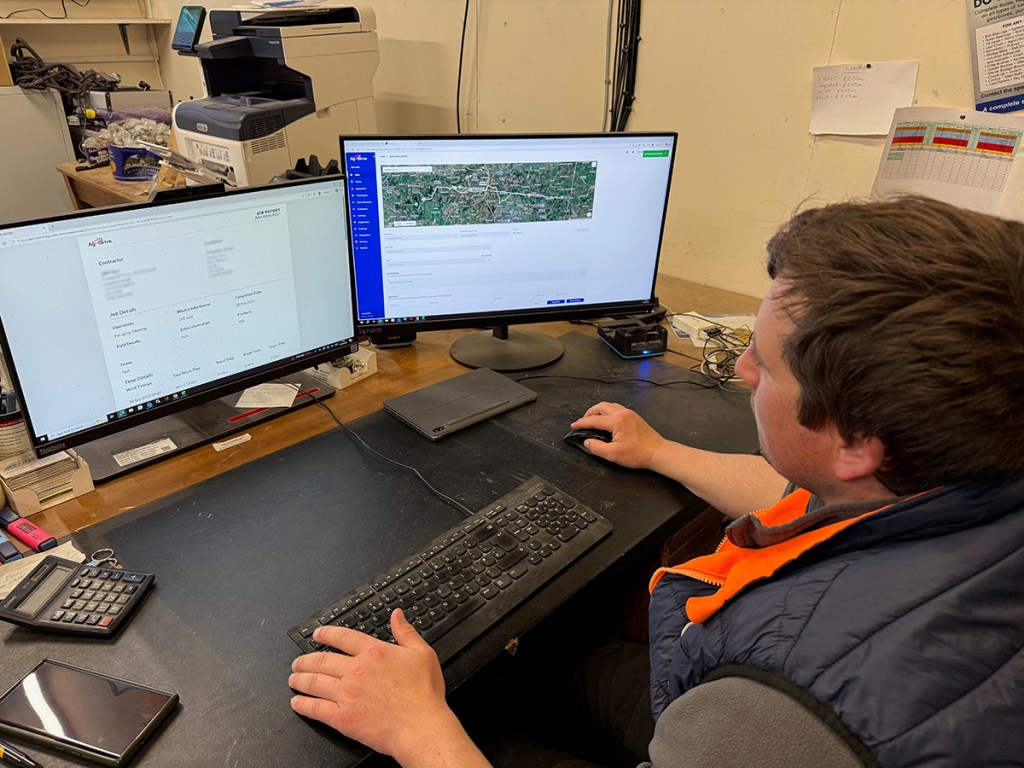
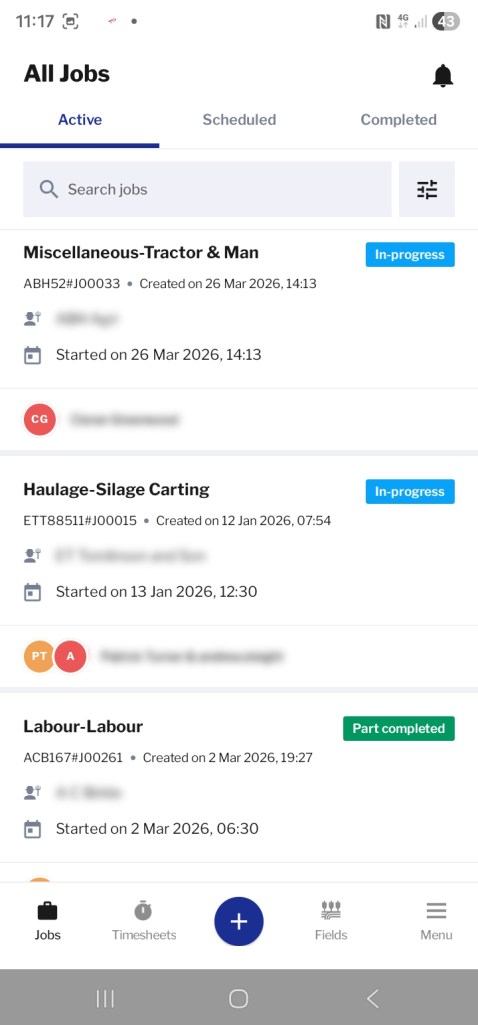
The Ag-Drive app connects mobile devices together using their location so that the fleet manager can see where operator and his machine are when travelling to or working in a field. Jobs can be planned and recorded and the data used to create invoices or management reports.
“I can always see where the tractors and operators are which not only helps with management but also offers safeguarding for lone workers,” explains Sean.
Job scheduling
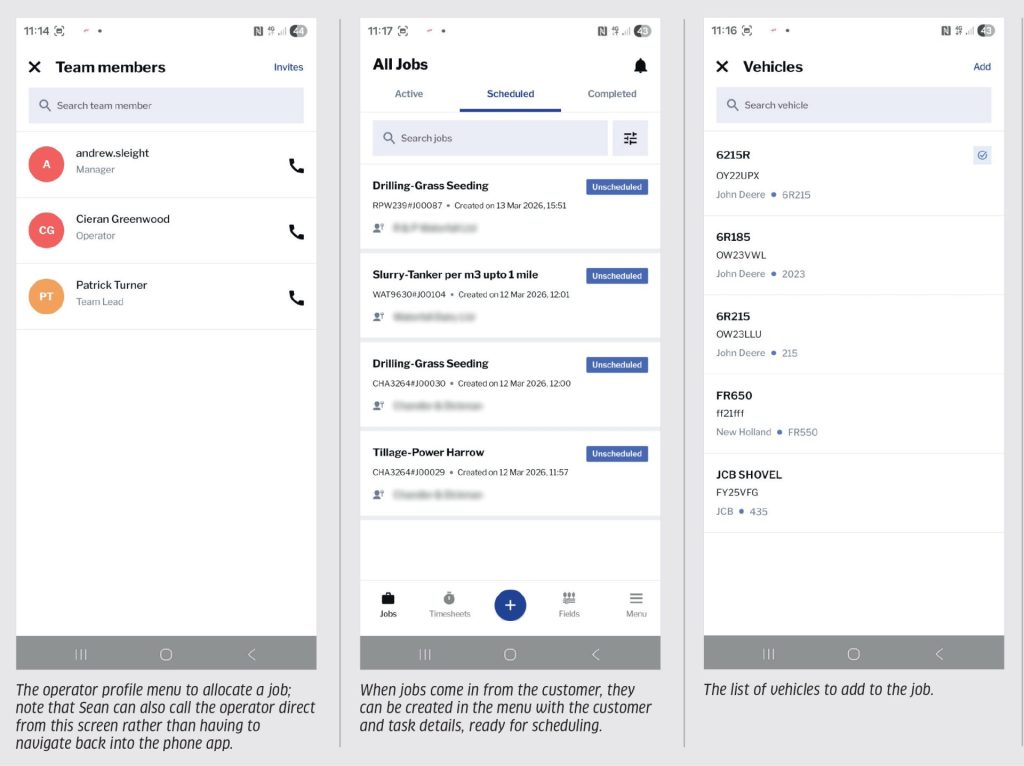
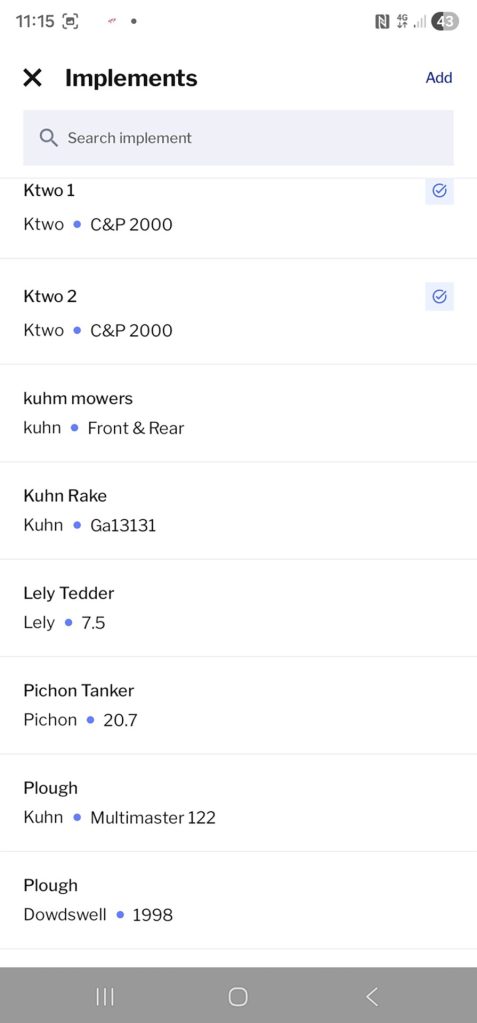
The manager sets up a profile for the business and then for each operator and machine in the fleet. Customers, operators, vehicles and implements and products are then shown on drop down menus to create jobs.
Sean explains: “Jobs can be scheduled several days in advance and assigned to an operator, or they can pick it up from a list of available jobs on the day.”
The job shows the location, task to be carried out, area and can include any products to be applied. The operator can call the customer from the app if required or access precise directions to the field.
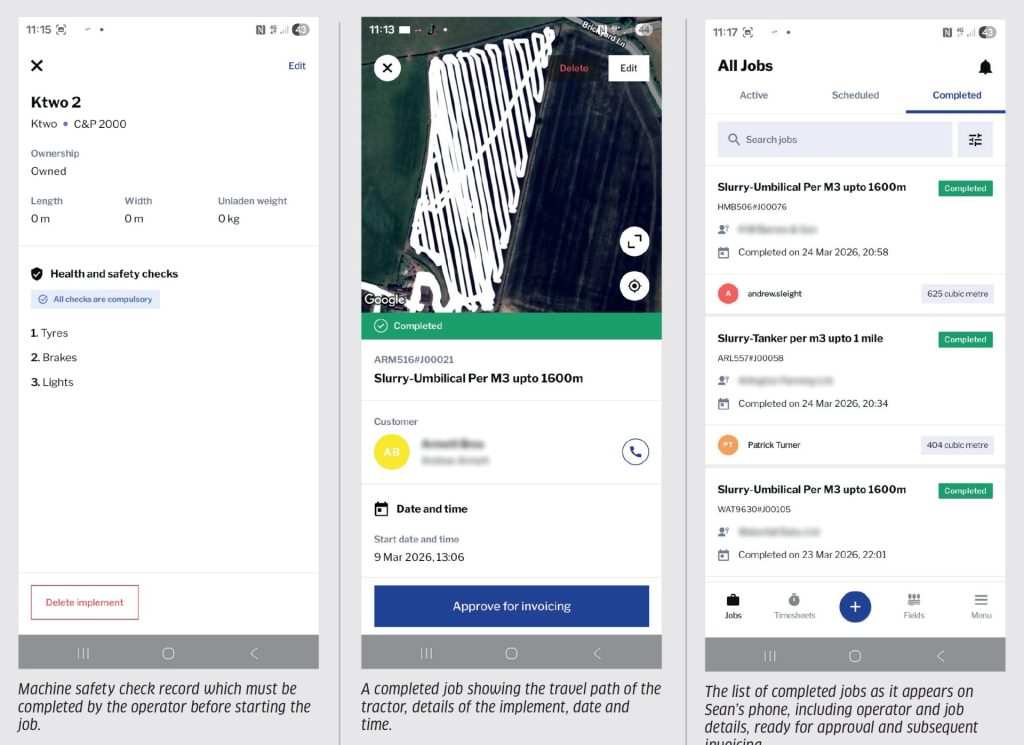
For each machine safety checks can be added such as check tyre pressure, and the operator has to confirm it is done before the job begins.
“This creates a health and safety record and can prove the procedure was done in the event of an accident,” explains the contractor.
GPS-based job recording
Using the phone’s location, the app creates a live map showing its travel in the field which can be accessed in real time by the manager or viewed as a record when the job is complete. The job record details versus exact area covered, what was done and working/travel times etc.
Completing the job
When doing a job the operator can add the amount of products used like additive and silage sheet for each job to be added to invoice.
There is also the facility to add notes including images, for instance, if there is a gate post down when entering the field add an image to show that operator didn’t do it and notify the farmer, or to show that he did! It’s also useful for recording field conditions or other issues.
Once the operator is happy with all the details of the job he records it as ‘complete’. The completed job is generated in Ag-Drive; Sean approves it and files as ‘ready for invoicing’.
Invoicing
The invoice is then sent to the business’s accounting software as a draft, approved by the manager and emailed to customer. The detailed job record can also be attached to the email. The software program is compatible with Quickbooks, Sage and Xero.
“It connects directly to Xero which was a big draw as we’d recently started using that software package. It’s very straightforward and you can give the customer as much or as little detail as they require,” explains Sean. “There’s also useful flexibility here, so if we do several different jobs for one customer, say silage and slurry, I can select which goes onto a particular invoice for that customer.”
Team jobs
This allows a lead operator to sign in for a job and add on other drivers working on the same job so that progress can be tracked for each tractor and hours can be assigned individually, but as Sean manages the foraging gang, he takes charge of this manually.
“There is a cost for each member of staff using the system so it’s good to have this flexibility if you don’t need it. But on the other hand the software also allows you to add an operator for a short contract of one month upwards, so it makes it affordable to use a sub-contractor for silage, for example.”
Timesheets
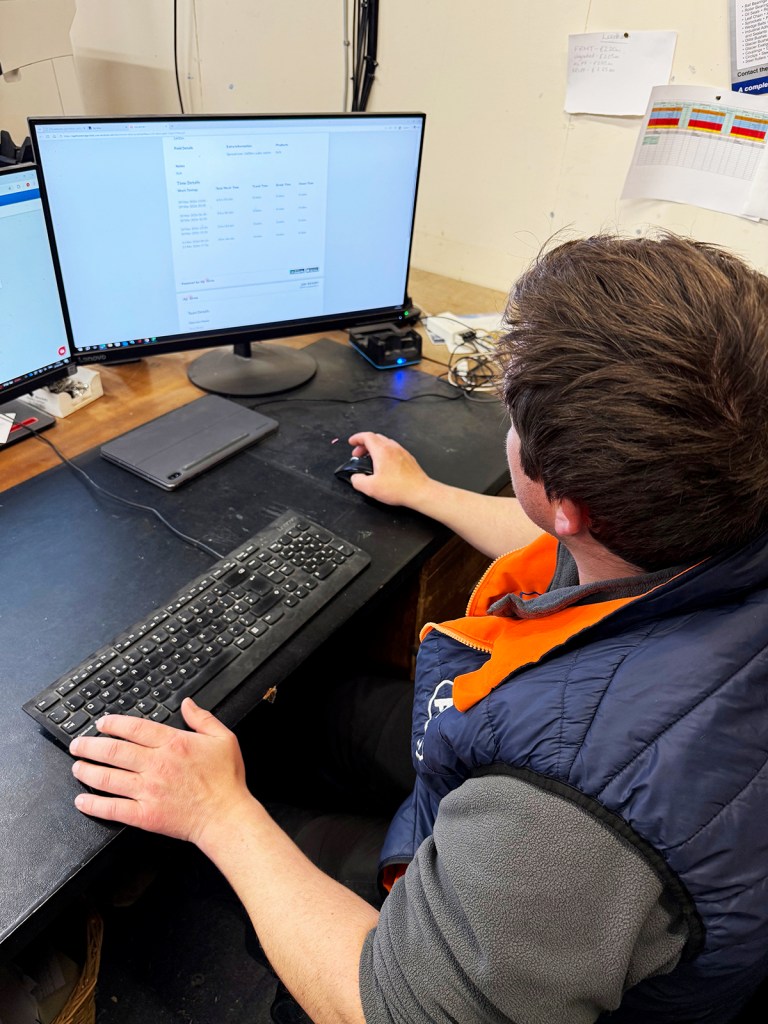
These are completed daily on Ag-Drive and can be filtered by date range.
“At the end of each month I can get an overview of the hours for each operator, time spent on each job, breaks, travelling etc,” says Sean.
Machine reporting and management
Ag-Drive records how many hours a machine is signed into a particular job, how much time it was working for a particular customer and when it was in the yard for maintenance or not in use.
“The calendar view shows which machines are doing which job on a particular day eg John Deere 6R has done 10 hours on mowing,” says Sean. “It gives a good overview of how productive machines are and what resources I might need through the season.”
Mapping
Ag-Drive does have a ‘maps’ feature but Sean uses John Deere’s Operations Center for this and each driver has a separate JD login for maps.
“I think of it as the tractors taking care of field records while Ag-Drive takes care of job records. In some ways it would be useful to add the fields into the Ag-Drive job from Ops Center and just have one app for everything, but I prefer to ‘keep it in the conversation’ with the operators – if you rely solely on technology it’s possible to miss a field,” he says.
Living with the tech
Operators have a mix of i0S and Android phones and Sean says that Ag-Drive is equally good on either, although some phones can be less accurate with location tracking, possibly due to available memory or phone version.
Updates are announced over social media and when the app is opened, new software availability is shown. The desktop version in the office updates automatically.
“There have been a few bugs over the years, but nothing that has caused any problems and they’ve usually been resolved with a quick WhatsApp message.”
While location services use satellites rather than the mobile data connection, data transfer does require a good signal.
“We very rarely have a problem in this part of the country,” comments Sean, “and you can easily move to a place with better signal to access data if necessary.”
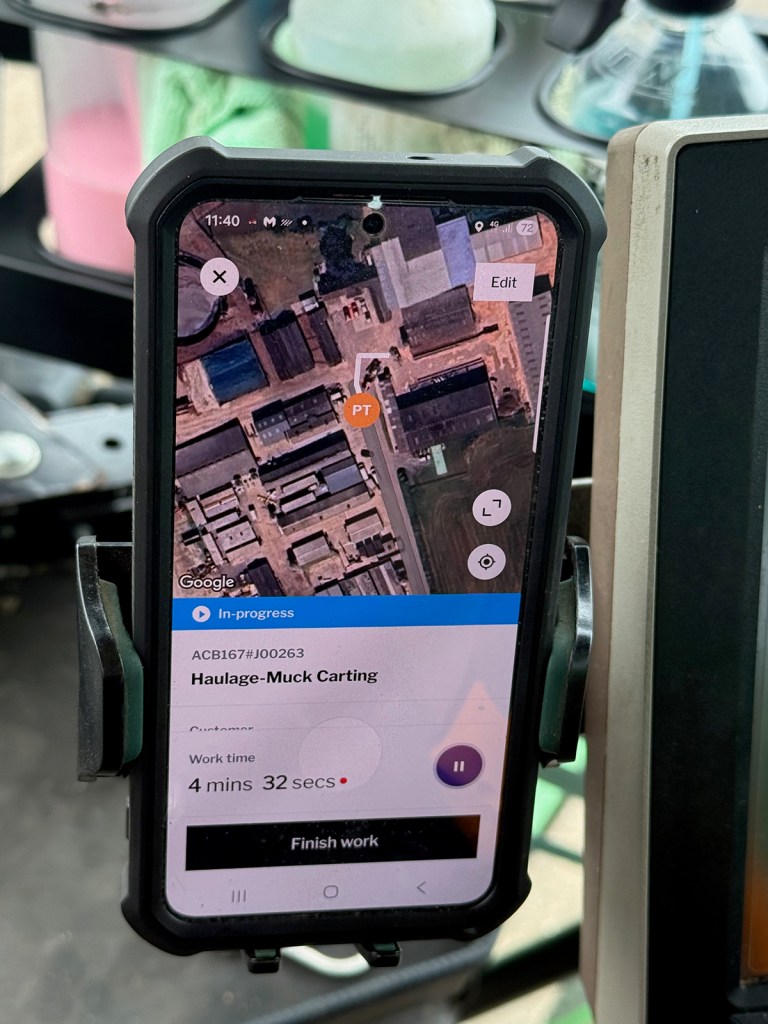
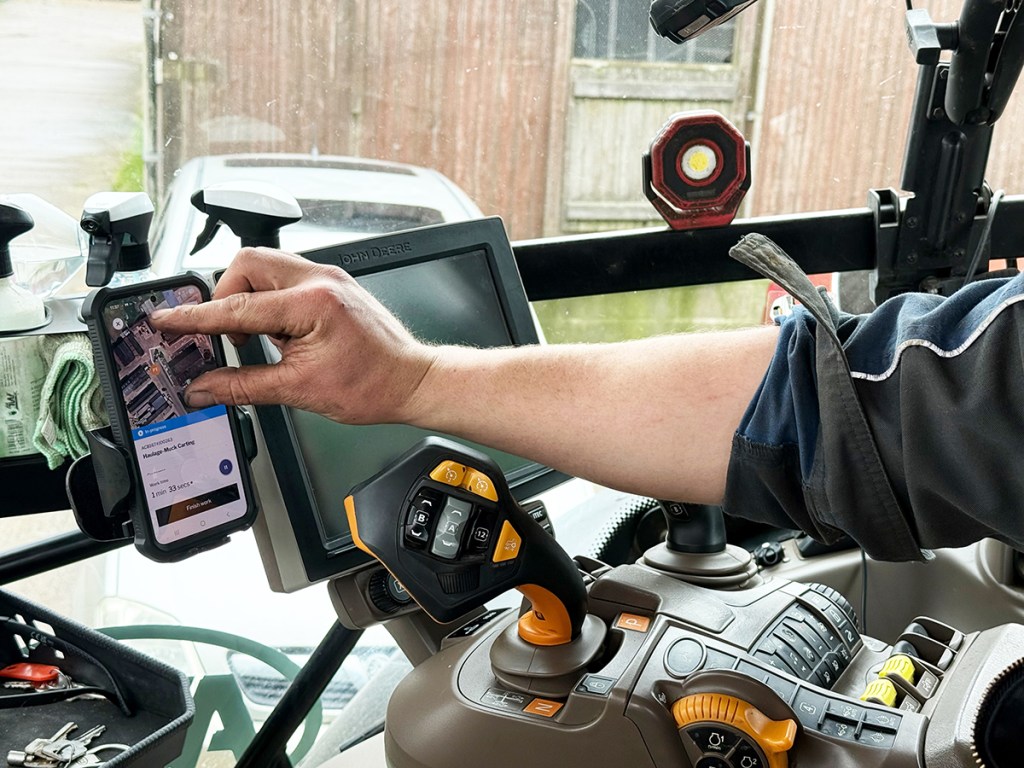
Location service does draw on battery power however, leading to the temptation to switch it off if the battery is getting low. Hence Sean provides all tractors with a charging cable and a cab mount for the phone so it can easily be charged on the go.
Getting the most out of the app
Sean points out that you do need operators that are engaged with the app.
“There’s still a feeling that they are ‘being watched’. But with the wider use of telematics, their whereabouts are always on show anyway.”
He comments that the software is very straightforward to use; there are detailed YouTube tutorials for each feature. All actions are editable so if an operator forgets to ‘start’ a field for example it’s no problem to go back in and edit the job.
“As a manager it’s worth getting to grips with its functions to get more out of it. For example, you can create a second ‘job’ just for labour and generate a separate report showing how much labour time is spent on something specific such as first cut silage.”
Phone management is another tip from Sean: “Put the Ag-Drive app icon on the phone screen you use the most, along with related apps such as John Deere Ops Center in our case. It would be useful to be able to set the app icon up as a ‘widget’ on your home screen so it’s always to hand.”
Wish list
While Sean is happy with the way Ag-Drive works for him and the developments that have been made since its introduction he says that he can see apps becoming increasingly important for contractors in the future.
“It might be of benefit to be able to integrate with other farm software to work directly with customers’ management systems for inputs. I’d also welcome a machinery management function where we could add service alerts and records; the operator could also input routine service tasks that he has carried out to give a complete record of the tractor or implement status on one document.”
Jane Carley
For more up-to-date farming news click here and subscribe now to profi and save.